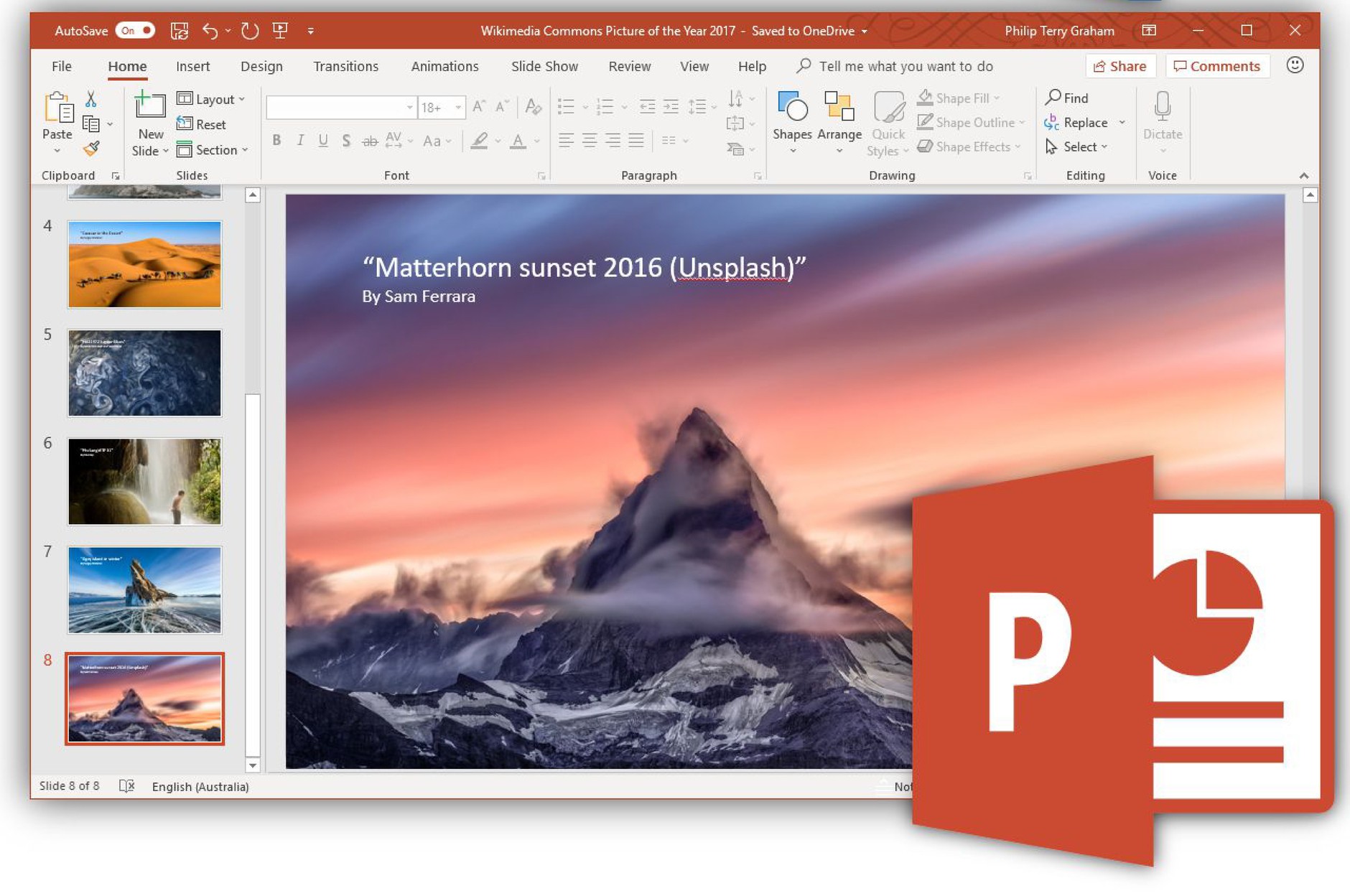
Microsoft PowerPoint Course
دورة تعلم مايكروسوفت باوربوينت
SAR 508SAR
305


بطاقة تفاصيل الخدمة
- اسم الخدمة
- Microsoft PowerPoint Course
- التصنيف
- Basic computer skills
- المدة
- 05:38:30 hours
- عدد المحاضرات
- 34
- لغة المحتوى
- Arabic
- الرسوم
SAR 508SAR 305- الشهادة
- شهادة إتمام معتمدة
- قناة تقديم الخدمة
- إلكترونياً عبر المنصة
- المستفيدون
- الأفراد والجهات
الخطوات
- إنشاء حساب أو تسجيل الدخولسجّل بياناتك الأساسية (الاسم، البريد الإلكتروني، رقم الجوال) وفعّل الحساب.
- الاشتراك في المنصةاختر خطة الاشتراك الشهرية أو السنوية وأكمل الدفع الإلكتروني.
- متابعة المحتوى التدريبيشاهد المحاضرات وأنجز الاختبارات حتى اكتمال نسبة الإنجاز.
- الحصول على الشهادةتُصدر شهادة الإتمام إلكترونياً ويمكن التحقق منها عبر خدمة التحقق من الشهادة.
المستندات المطلوبة
- لا تتطلب الخدمة أي مستندات ورقية.
- بريد إلكتروني فعّال ورقم جوال لتفعيل الحساب.
- الاسم الكامل كما في الهوية ليُطبع على الشهادة.
You Will Learn
Using Microsoft PowerPoint in the right way to create professional presentations
Understanding slides layouts
Typing and formatting text
Adding and formatting images and shapes
Adding, formatting, and modifying Tables
Adding and formatting SmartArt and charts
Format slides using different background styles
Format your presentation using Themes
Deep understating for content animations
Apply animation to all types of content
Apply slide transitions to your presentation
Showing your presentation and using helping tools
Save and print your presentation in a professional way
Targeted Students
- Students
- new graduations
- Employees who want to develop the skill of using MS PowerPoint
- Researchers
- Sales Reps and Sales Managers
- Managers
- Teachers and instructors
- Office Work and secretary
Training Program Name As In Certificate
Microsoft PowerPoint Course
Requirments
- امتلاك حساب فعّال على المنصة واشتراك ساري.
- الالتزام بالشروط والأحكام وسياسة الخصوصية.
- إكمال جميع المحاضرات والاختبارات للحصول على الشهادة.
Microsoft PowerPoint Course
5:38:30
01- User interface
06:12

02- Slide layout
12:25
03- Undo, Redo, Clipboard and format painter
10:01
04- Find, Replace and select
05:44
05- Format slides using background formatting
12:45
06- Using themes
10:32
07- Create your own theme
29:04
08- Typing and formatting text
10:24
09- Manage bullets and numbering
09:57
10- Format paragraph
04:49
11- Insert and format tables
16:32
12- Insert and format pictures
16:49
13- Insert and format shapes
17:55
14- Insert and format smarter
10:49
15- Insert and format charts
07:19
16- Insert and format textboxes
03:51
17- Insert audio files
05:16
18- Insert videos
06:52
19- Insert slide number and slide footer
03:30
20- Create and edit photo albums
07:17
21- Insert updatable excel chart to Power Point
07:50
22- Insert slides from other presentation
03:48
23- Insert text from word file
06:20
24- Create hyperlinks and actions
14:20
25- All about animations P1
10:50
26- All about animations P2
17:40
27- Slide transitions
07:21
28- Using sections
11:13
29- Presentation views
05:05
30- Start your show
12:47
31- Setup slide show with all details
08:24
32- Printing with all details
05:17
33- Protect your presentation
06:58
34- Save presentation to PDF
12:34
A team of instructors who are the best in their fields
The continuous development of our educational materials
Lifetime access for the courses that you purchase
Evaluate yourself through a test that you can take after each level in
Our content is provided in the Arabic language with an easy-to-use platform
A team of customer services who are working 24/7
Lowest cost and highest quality of supervised educational materials