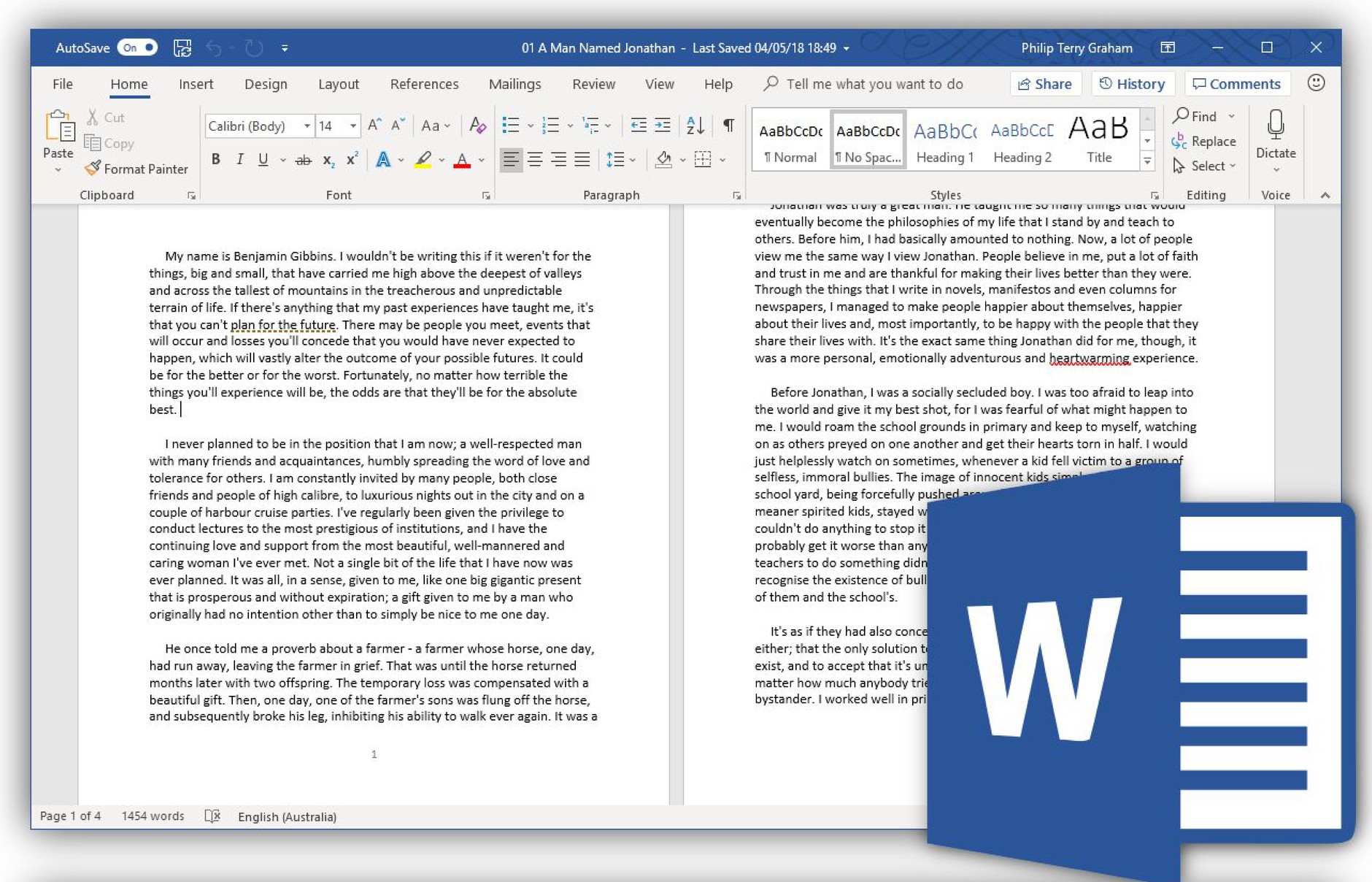
Microsoft Word Course
دورة تعلم مايكروسوفت Word
SAR 508SAR
305


بطاقة تفاصيل الخدمة
- اسم الخدمة
- Microsoft Word Course
- التصنيف
- Basic computer skills
- المدة
- 05:5:12 hours
- عدد المحاضرات
- 31
- لغة المحتوى
- Arabic
- الرسوم
SAR 508SAR 305- الشهادة
- شهادة إتمام معتمدة
- قناة تقديم الخدمة
- إلكترونياً عبر المنصة
- المستفيدون
- الأفراد والجهات
الخطوات
- إنشاء حساب أو تسجيل الدخولسجّل بياناتك الأساسية (الاسم، البريد الإلكتروني، رقم الجوال) وفعّل الحساب.
- الاشتراك في المنصةاختر خطة الاشتراك الشهرية أو السنوية وأكمل الدفع الإلكتروني.
- متابعة المحتوى التدريبيشاهد المحاضرات وأنجز الاختبارات حتى اكتمال نسبة الإنجاز.
- الحصول على الشهادةتُصدر شهادة الإتمام إلكترونياً ويمكن التحقق منها عبر خدمة التحقق من الشهادة.
المستندات المطلوبة
- لا تتطلب الخدمة أي مستندات ورقية.
- بريد إلكتروني فعّال ورقم جوال لتفعيل الحساب.
- الاسم الكامل كما في الهوية ليُطبع على الشهادة.
You Will Learn
- familiar with the user interface of the program
- Understand the basics of writing in Microsoft Word
- Add and format all types of data such as images, tables, illustrations, and others
- Adjust header and footer
- Apply Page Boarders and watermark to file pages
- Adjust page size and margins
- Save and protect the file
- Print file pages properly
- Protect Document
Targeted Students
- Students
- new graduations
- Employees who want to develop the skill of using MS Word
- Researchers 5-everyone interested in creating a professional document
Training Program Name As In Certificate
Microsoft Word Course
Requirments
- امتلاك حساب فعّال على المنصة واشتراك ساري.
- الالتزام بالشروط والأحكام وسياسة الخصوصية.
- إكمال جميع المحاضرات والاختبارات للحصول على الشهادة.
Microsoft Word Course
5:05:12
1- MS Word User Interface
04:45

2- Start Typing and Selecting Text
14:49
3- Tool to Boost Your Performance Part 1
09:56
4- Tool To Boost Your Performance Part 2
07:08
5- Font Formatting Part 1
08:58
6- Font Formatting Part 2
09:55
7- Paragraph Formatting Part 1
10:36
8- Paragraph Formatting Part 2
15:12
9- CoverPage and Blank Page
09:22
10- Insert, Format and Manage Tables Part 1
08:34
11- Insert , Format and Manage Tables Part 2
13:35
12- Insert and Format Pictures
17:24
13- Insert and Format Shapes
10:37
14- Insert and Format SmartArts
09:27
15- Insert and Format Charts
03:51
16- Manage Page Layout
15:28
17- Document Design Part 1
13:51
18- Document Design Part 2
16:27
19- Manage Header and Footer
15:42
20- Insert and Control Page Number
03:06
21- Create Links and Bookmarks
08:01
22- Mail Merge
10:19
23- Compare and Combine Documents
05:55
24- Footnote and Endnote
06:48
25- Track Changes
06:54
26- Create Table Of Content
18:18
27- Create Table Of Figurs
06:55
28- Record Macros
04:49
29- Protect Documents
07:01
30- Print Document
06:14
31- Save Documents
05:15
A team of instructors who are the best in their fields
The continuous development of our educational materials
Lifetime access for the courses that you purchase
Evaluate yourself through a test that you can take after each level in
Our content is provided in the Arabic language with an easy-to-use platform
A team of customer services who are working 24/7
Lowest cost and highest quality of supervised educational materials